![Verkada Camera Reviews + Pricing [New For 2026]](https://alarmnewengland.com/wp-content/uploads/verkada-cameras-review.png)
When you’re planning to assemble your security infrastructure, knowing about the cost of security cameras should be one of the most important things to consider. While several brands of security cameras are available, Verkada cameras stand out as a premier option for modern surveillance needs due to their cutting-edge technology and robust features.
So, if you intend to get a new Verkada camera, this guide has got you covered.
Below, we will do a detailed review on the Verkada cameras, exploring the key features and pricing structure to help you make an informed decision based on your security needs and budget.
About Verkada Cameras
Verkada cameras are security cameras that use AI and cloud-based technology to monitor and record video. They can be used for indoor and outdoor security and are designed to be durable and high-performing.
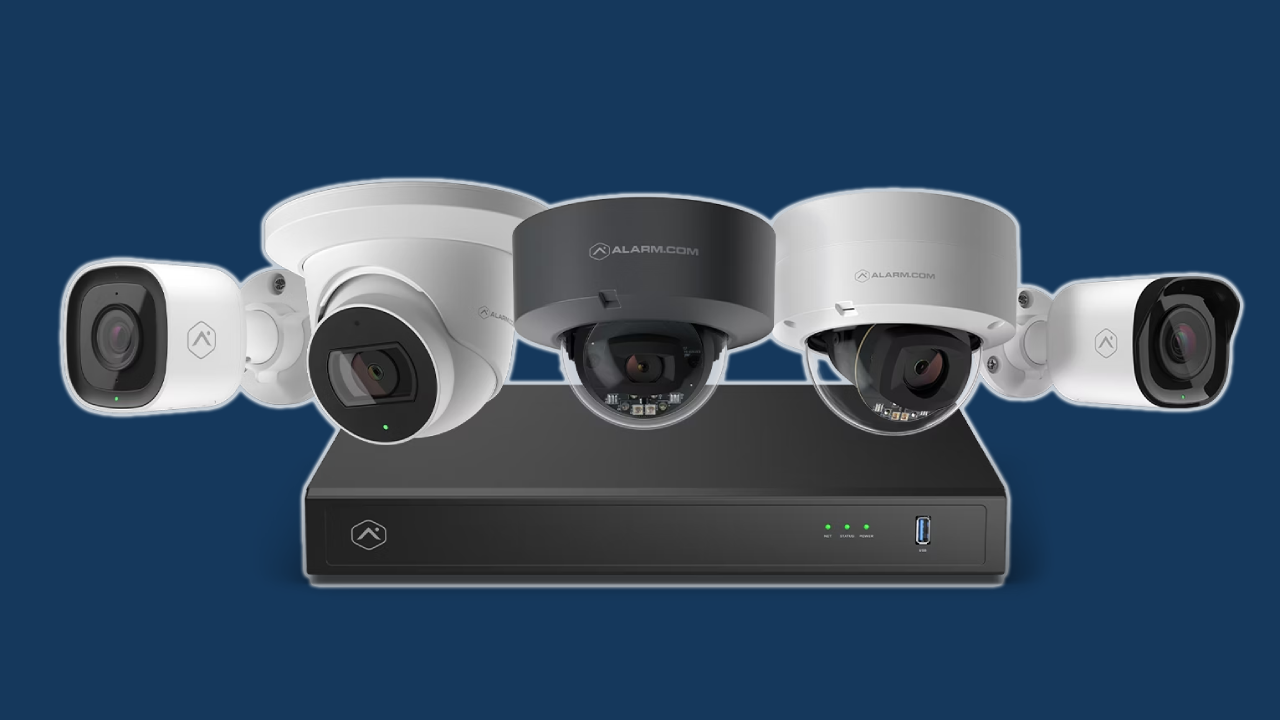
Verkada offers different types of video security cameras that combine high-resolution recorded footage and easy-to-use software. These include:
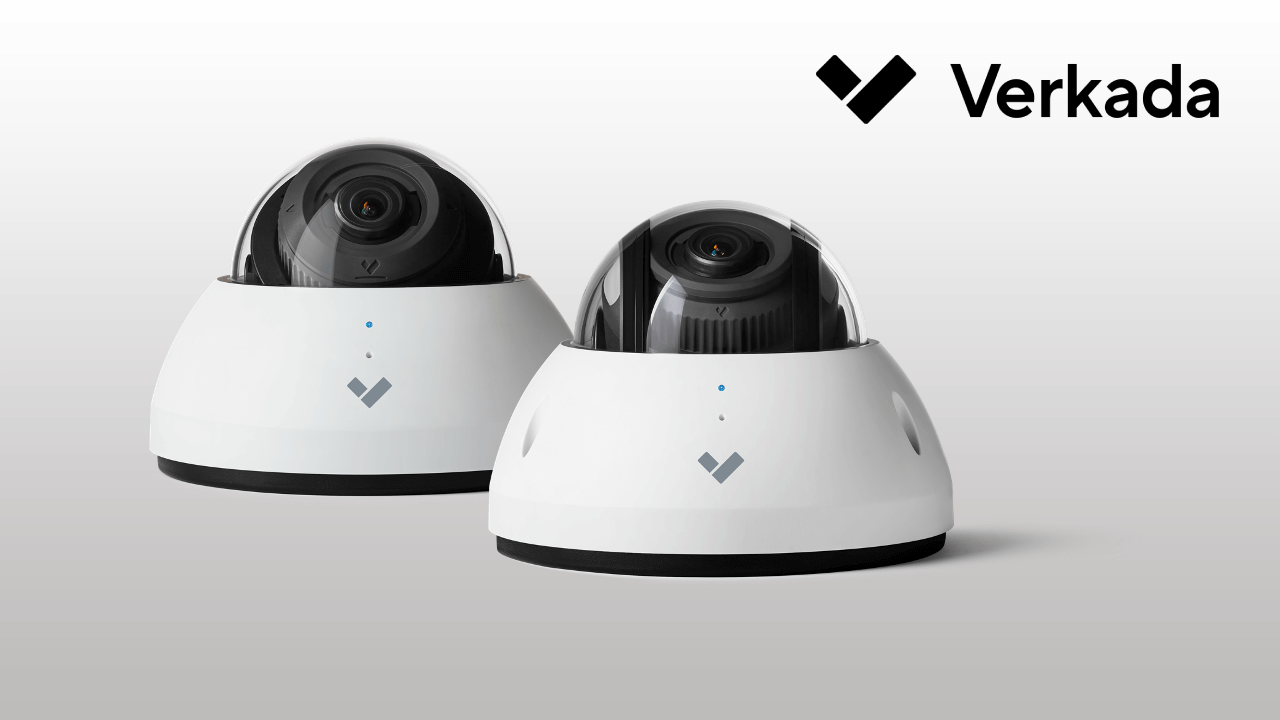
- Dome Cameras: Designed for durability, high performance, and scale, Verkada’s Dome cameras deliver enterprise-grade security in a wide range of models for both indoor and outdoor use. These cameras make use of a dome-shaped housing that provides a discreet, vandal-resistant design for general surveillance coverage. They are available with a variety of resolutions, lenses, and zooming capabilities.
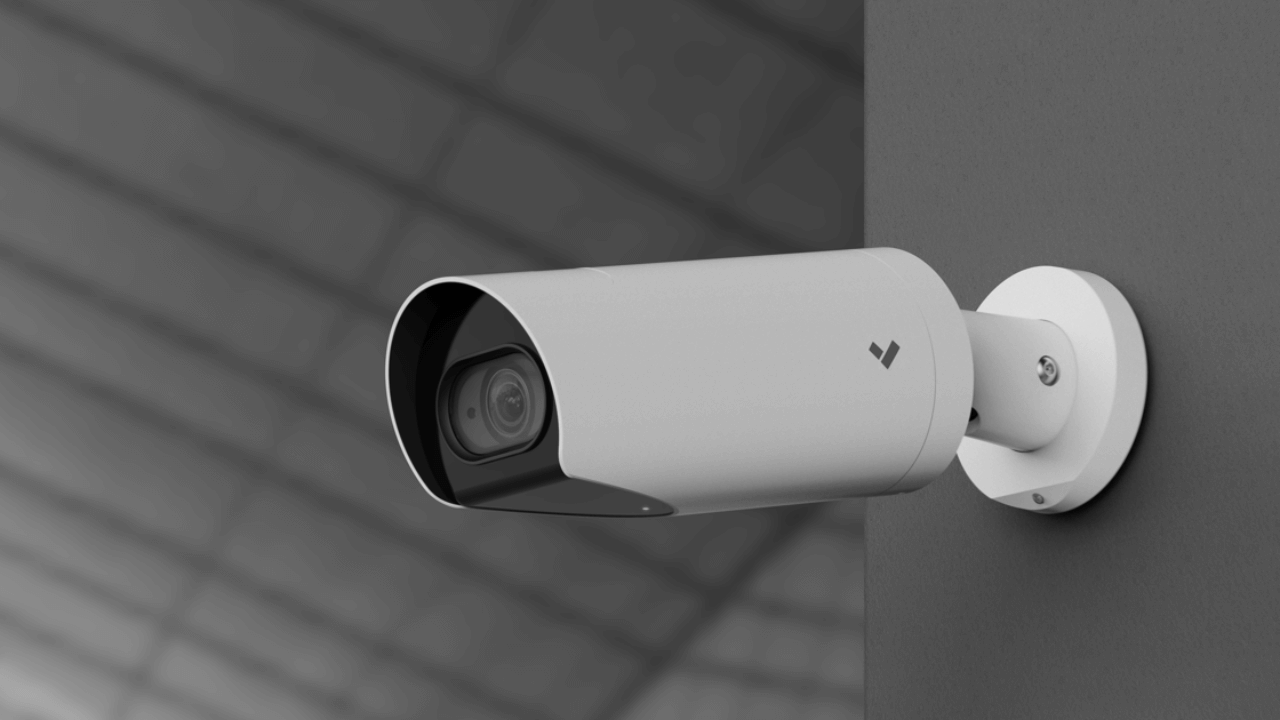
- Bullet Cameras: Verkada’s Bullet cameras are designed to withstand harsh conditions and their visible form factor helps deter potential threats. The camera system is fantastic and they are used primarily in outdoor scenarios for a more visible security presence, acting as a deterrent. They are available with either wide or telephoto lenses, providing both a wide field of view and the ability to zoom in on distant objects. Furthermore, they deliver clear images and capture important details in both daylight and darkness. They also feature next-generation processors that support powerful AI analytics and features such as License Plate Recognition and Occupancy Trends.
- PTZ (Pan, Tilt, Zoom) Cameras: Verkada’s PTZ cameras provide flexible camera movements, which allow operators to pan, tilt, and zoom to focus on specific areas of interest. These cameras are designed to offer a wide field of view and precise zoom and are also built with enterprise-grade components to withstand extreme conditions. They are ideal for environments requiring active surveillance, such as large facilities or areas with high foot traffic.
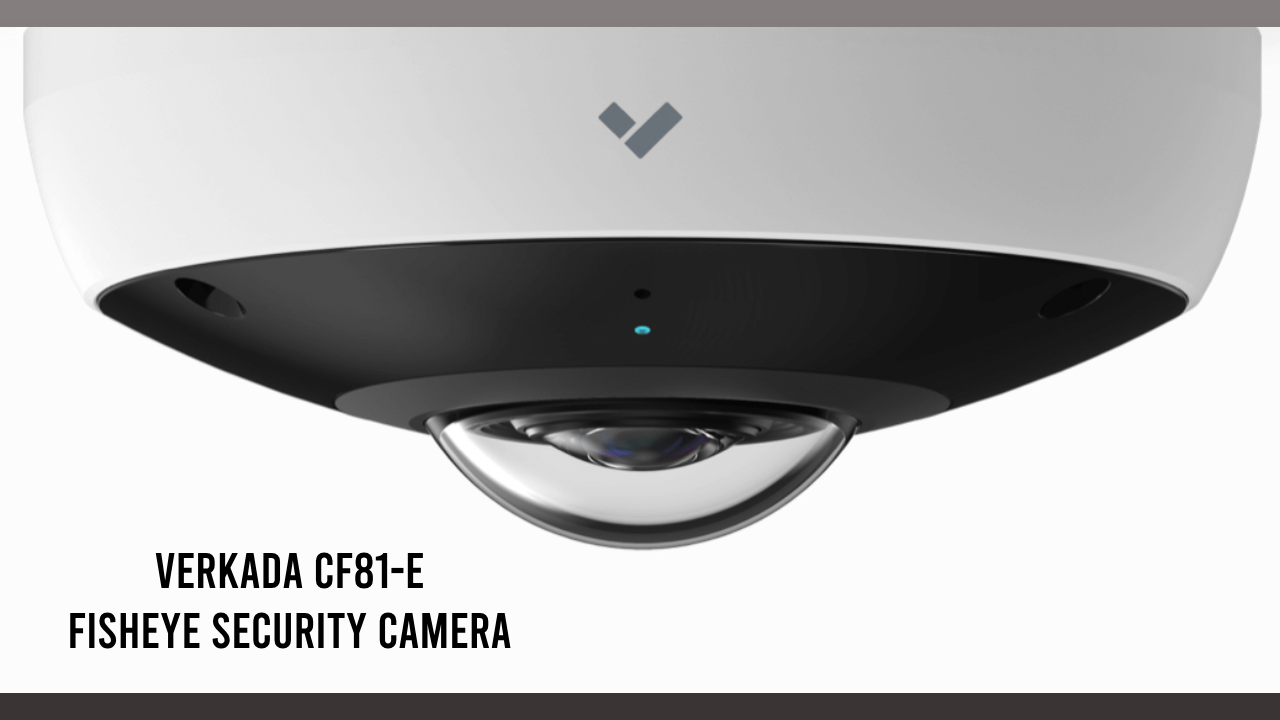
- Fisheye Cameras: Verkada’s Fisheye cameras offer a wide-angle, 360-degree panoramic view, capturing a complete view of the surroundings in a single lens. This makes them ideal for covering expansive open areas, such as lobbies or large rooms, where monitoring every corner is necessary. Having been successfully tested for indoor and outdoor use, the Fisheye series is suited for all security needs.
- Multisensor Cameras: Verkada’s Multisensor cameras are designed with multiple individual camera lenses and sensors within a single camera housing, with each sensor having a customizable field of view. These cameras provide similar coverage to fisheye cameras while maintaining better video quality due to the additional sensors. They are used for comprehensive surveillance in large areas, offering increased coverage and fewer blind spots.
- Mini/Split Cameras: Verkada’s Mini/Split cameras are compact and discreet cameras designed for installations where a low-profile appearance is important. These cameras are typically small in size but maintain full surveillance capabilities. This makes them perfect for locations that require discreet surveillance without compromising on functionality.
Verkada Camera Pricing
The price of Verkada cameras is influenced by several factors, including the model type and the technological specifications each model offers.
For entry-level models such as the Dome and Mini series, the price usually ranges from $500 to $800 per camera. These cameras are ideal for general surveillance needs while offering high-quality video and a wide range of basic functionalities.
Meanwhile, for advanced models like those with 4K resolution, the price can range from $1,000 to $1,500 or more per camera. These models usually include sophisticated features ideal for detailed surveillance in retail organizations, large campuses, or high-security zones.
Furthermore, upfront pricing, licensing costs, installation costs, data retention costs, and other recurring costs add to the total cost of ownership.
Verkada Software License Costs
To fully make use of Verkada cameras, a subscription to cloud management and storage functions is required. This subscription usually ranges from $150 to $300 for a one-year license per camera.
The software license cost covers extensive benefits required for modern surveillance needs. Notable benefits subscribers tend to gain include remote access capabilities, monitoring video feeds from mobile devices and other remote locations, and ensuring they can monitor their premises from anywhere.
In addition, the subscription enables advanced video analytics, automatically analyzing video clips to detect and alert for relevant activities without manual oversight. Automatic updates are also included, which ensure all security patches and system upgrades are applied. This keeps the security products up to date with the latest cybersecurity measures and features.
Verkada Camera Installation Costs
As for the installation costs for Verkada cameras, it can vary significantly based on the complexity of the setup and the specific needs of the location.
For comprehensive systems involving multiple cameras and integration with existing security solutions like access control systems, professional installation is usually recommended. This fee can cost between $200 to $500 per camera. This fee usually covers not only the physical mounting of the cameras but also the integration of all hardware and software components and configuration of the system to connect with the Verkada command account.
For smaller setups or where conditions are less complex, DIY installation is a viable option. That’s because Verkada designs its cameras with easy installation in mind, which often involves mounting the camera and basic network setup. This can be a cost-effective option for small businesses or residential users who can handle basic technical tasks and those looking to monitor less challenging environments like indoor offices or smaller retail spaces.
Total Estimated Costs
Setting up an appropriate budget is essential if you’re considering acquiring Verkada’s physical security system. For a small setup involving between 3 to 5 cameras, the total costs covering the cameras, annual cloud licensing, and either professional or DIY installation, can range from $2,000 to $5,000.
Meanwhile, for larger setups involving more than 10 cameras, costs can significantly increase due to the higher number of cameras and the complexity of the installation. The estimated expenses for such extensive setups can range from $10,000 to $25,000 and above.
Verkada’s Products and Top Features
As one of the leading companies setting new standards in cloud security, Verkada offers enterprise-grade IoT infrastructure as essential security for its customers. In this particular area, Verkada is awesome. Their integrated products include video security cameras, access control systems, air quality sensors, intercom systems, and alarm systems.
Below, we have highlighted some of the key features of Verkada’s products to help you decide if it’s the right solution for your commercial or residential needs.
1. Access Control
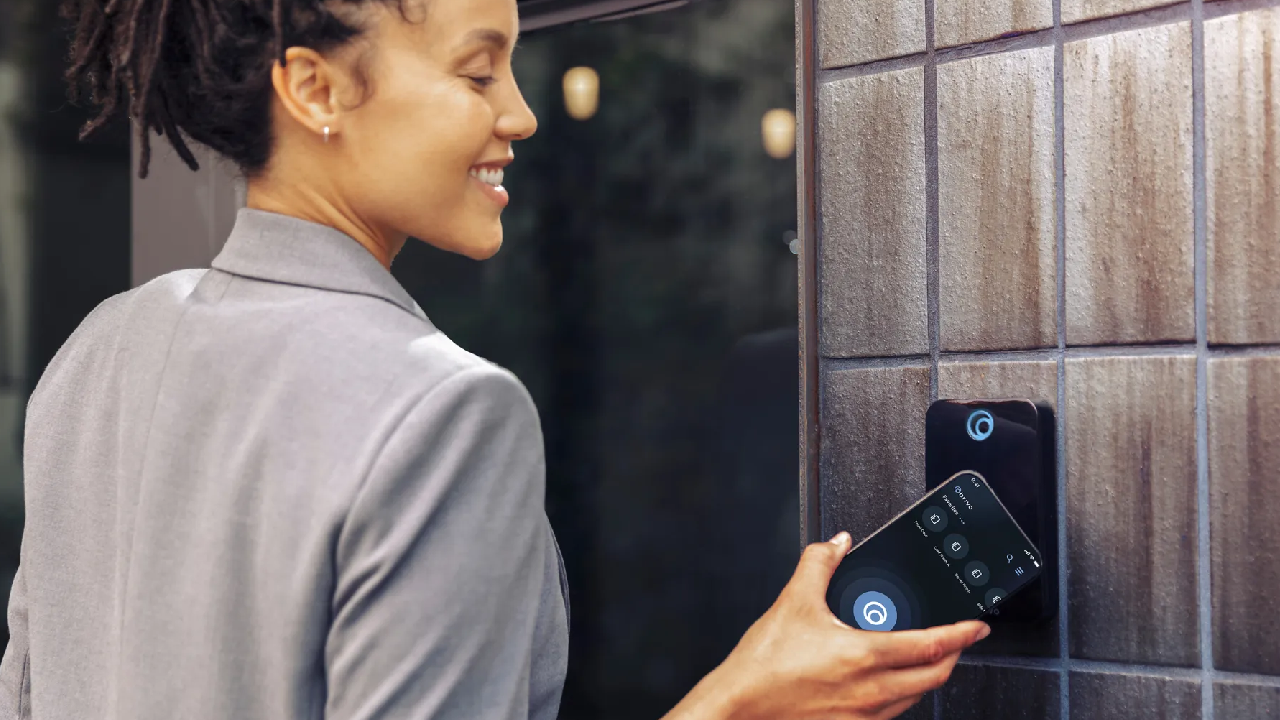
Access control is an essential element of security that determines who is allowed to access certain areas of a building. Meanwhile, Verkada access control system is a new product which consists of a cloud-based management platform, a four-door controller, and mobile credentials via a mobile app. This feature enables users remote access for management, unlocking, access schedules, and activity logs.
When you find and share videos through Verkada, you will discover how simple it is to access and find footage. Hybrid cloud cameras with inbuilt processing allow Verkada security systems to examine footage at the edge. This feature helps to deter potential security risks and logs any intrusions. This way, you can find the video you want by entering any indicator linked to the incident.
2. Ease of Maintenance
When compared to legacy systems plagued by obsolete security vulnerabilities, Verkada provides an easy-to-maintain security system with an automated approach. Unlike conventional DVR systems that need to be replaced, Verkada’s software is constantly improved and updated.
It ensures that updates are sent smoothly and without disrupting camera operation. This allows IT administrators to stay ahead of emergency security threats while also having access to the most recent features and upgrades.
3. Person of Interest Alerts
One of Verkada’s core features is people analytics, which includes alerts for persons of interest. These notifications are generated when a person on-site is identified as having the same facial features as a preselected individual.
Investigating with sophisticated computer vision increases speed and efficiency. Verkada’s people analytics solutions provide you with high-resolution photos of everyone who enters and exits the premises.
It also allows you to search and filter for people based on time, date, gender traits, clothing color, and face match. You can view all scenes from a facial match in which a person was identified. This functionality improves productivity for large organizations and small businesses alike.
4. Auto-leveling Innovation
Everyone wants flawless frames when accessing their footage. Auto-leveling in Verkada cameras helps keep the captured images straight. Verkada is always aiming to improve straightening even further and is always looking to add more auto-leveling capabilities.
This also avoids the necessity for any micro-adjustments. Verkada’s auto-leveling innovation makes use of an accelerometer, which detects and infuses gravity to establish the camera’s placement when mounted.
This enables the camera to rotate photos while maintaining image quality. This emerging technology produces precise and easy-to-use surveillance footage.
5. Live Monitoring & Audio
The wide range of Verkada cameras allows users to monitor multiple live camera feeds simultaneously. The mobile app makes this easier by informing users about the scenes within the premise. This enables the owners to travel less and make fewer mistakes.
Verkada strives to simplify and modernize video security systems by using 4K cameras and simple software that requires no further configuration. In the end, when teams need to stream events in real-time, no additional hardware is necessary.
6. Video Verification via a Text Message Link
Verkada security systems are useful when it comes to notifications. Your security system will notify you of any mishaps in your surroundings. So, even if you are not around, you will receive a text message and be able to immediately view your monitoring screen.
Verkada cameras can be monitored and emergency response can be set up for the monitoring agent to notify the police. Verkada security systems are one of the best options out there for both commercial and residential use.
7. Face Blur
Most organizations nowadays are worried about user privacy, and many wish to avoid showing comprehensive footage to others. Verkada’s face blur functionality improves the security of its users and businesses. This feature allows organizations to share footage with anyone while protecting individuals’ privacy.
This is done by blurring the faces of those within the frame. Such features allow concerned organizations to share footage with anyone without violating privacy.
8. Objective Video Evidence
Incidents might happen suddenly and unexpectedly; yet, they must be properly and accurately documented for criminal investigations. Verkada security systems include surveillance cameras that show digital evidence, a clear perspective, and a detailed story about the incident.
Verkada cameras save footage for 15 to 365 days, depending on the solution you’ve placed. As a result, they provide objective video evidence. This feature explains what happened, who was involved, when and how the compromise arose in the first place.
This evidence actively helps and assists law enforcement investigations. The best part is that the footage can be retrieved without affecting internal resources.
9. Extended Warranty
Verkada offers a 10-year product warranty when purchasing a Verkada security system. If something goes wrong with your camera, you can notify the firm by email at their official address. After reviewing the request, the company will ship the replacement order within 48 hours of approval.
10. No DVR/NVR Required
Verkada security systems eliminate the requirement for local DVRs or NVRs. It enables easy, secure, and accessible system management. Unlike typical camera systems, Verkada employs a software-based automated approach, which simplifies your life.
With the Crowd Notifications feature, Verkada will notify you proactively if the number of people surpasses the limit set by the administration. All you have to do is set a personal threshold for any camera. If the number of persons in that location exceeds the specified limit, you will be notified via SMS or email.
11. Blackout Zones
Verkada wants its users to feel comfortable when using its security technologies. Because of this, it includes a blackout zone feature.
The blackout zone feature intelligently blacks out the environment within the camera’s field of vision to address privacy issues. This enables firms to safeguard sensitive data while maintaining sight of critical areas.
12. Proactive Loss Prevention
The company works proactively to avoid and prevent losses. Verkada is always one step ahead in protecting its users. Its integrated security products protect the privacy of those who use them.
Furthermore, if anything is reported to be misplaced, the facial protection feature provides detailed information on what, where, who, and when. As a result, users may swiftly find their items and belongings.
Our Verkada Reviews
Being a leader in the cloud-based security industry, Verkada systems are designed with scalability, ease of use, security, and dependability in mind. Verkada cameras use the cloud to store video recordings indefinitely, do advanced AI-powered analytics, and provide fast remote access. Verkada security systems also use edge-based processing and local device storage to ensure video cameras continue to record footage even during a network failure.
This approach to a cloud-based system enables real-time monitoring from anywhere in the world, as well as proactive warnings for people detection, person of interest detection, and license plate recognition. Additionally, Verkada devices may warn users when they go offline or detach from the network, which allows IT administrators to know immediately when a network disruption occurs. In the event of a hardware failure, Verkada devices come with up to a 10-year warranty, ensuring little downtime.
Furthermore, Verkada provides all new features and statistics to its whole customer base as a free update. This means that the system becomes smarter and more feature-rich over time, which is a significant advantage provided by a cloud-based system. Overall, Verkada is an ideal solution for security teams wishing to move beyond simply resolving issues with their existing on-premise systems.
Verkada Camera FAQs
- What are the disadvantages of Verkada?
- Verkada security systems have several disadvantages, including higher upfront costs, limited customization, and its subscription-based model, which might deter those preferring a one-time purchase.
- Is Verkada an American company?
- Yes, Verkada is an American security technology company, based in San Mateo, California.
- What are the security issues with Verkada?
- Verkada has faced multiple security issues, including breaches and allegations of inadequate security measures such as appropriate access management and data protection controls as well as adequate encryption of customer data.
- Who is Verkada’s biggest competitor?
- Rhombus is the biggest competitor of Verkada. That’s because both companies offer cloud-based video surveillance systems, with similar advanced features such as remote access and cloud video storage.
![The Best Small Business Fire Alarm Systems [2026]](https://alarmnewengland.com/wp-content/uploads/fire-alarm-system-for-small-business.png)