Window security bars are an excellent way to secure your home with a strong physical deterrent for a relatively low cost. Your home insurer may also offer you a discount or reduced rate for having bars or other security measured installed on your home.
There are many reasons why you might want to consider installing burglar bars on your windows to protect your home, including;
If any of the above apply to you, you may want to consider installing window bars on your home’s windows to protect your home, yourself and your family.
Types of Window Bars
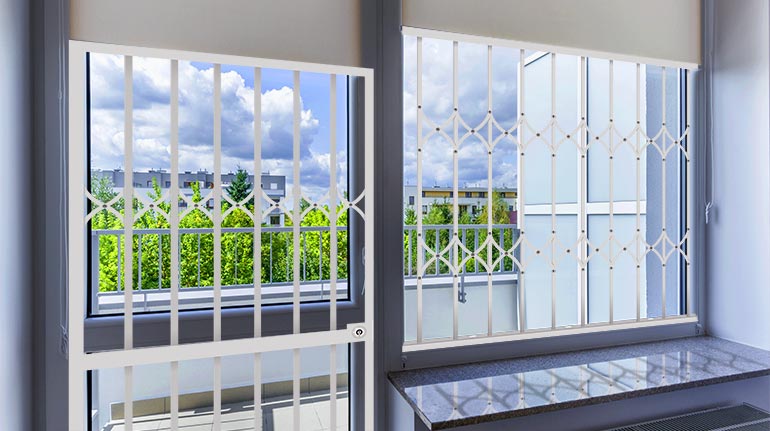
Burglar bars are basically metal grids that are screwed or bolted onto your window’s framing. There are several options available, from DIY options that you can install yourself to professionally fabricated designs that require professional installation.
Some common types of window bars include:
Permanent security bars – these are meant to remain in place for long term use.
Swing away bars – these are hinged for easy window cleaning and emergency escape route use.
Removable bars – commonly used for residential store fronts where they are placed on the doors or windows at night and removed during the day.
Do Burglar Bars Work?
Yes! Just the sight of a home with barred windows is usually enough to deter burglars from even attempting to break into your home. Most criminals target homes that appear to lack basic security measures like a home security system, allowing them to be in and out in just a few minutes at minimal risk of being caught.
You will want to start by installing bars on the windows that are lowest and that may be obscured by bushes or trees. If you have basement windows, this is usually a good place to start. Your basement windows are down low and usually hidden well.
How Much Will Installation Cost?
The answer to this question will depend on which route you decide to take when installing your window bars; do it yourself or professional installation. It also depends on how many windows there are in your home that you’d like to protect.
If you’re handy with a toolbox and feel confident about installing your own window bars, by all means, save the installation costs and do it yourself. Otherwise, hire a professional.
Smaller Windows
If you are looking to make installing burglar bars a DIY project, you can pick up kits designed for small windows, such as your basement, for around $100-$200 each depending on the quality and design of the bars. These can be installed in about an hour.
Installing window security bars involves mounting a pair of framing brackets on either side of your window. In order to do this, you will need long screws and access to a drill to get the job done right.
Larger Windows/Doors
If you are looking to secure larger windows or doors in your home, it will cost you on average $300-$500 per window for the supplies. If you choose to have them professionally installed, you are looking at adding on another $150ish per window plus the cost of the materials.
Before installing any type of bars on your home’s windows or doors, be sure to check with local codes to see what their requirements and restrictions are for barring windows.
Many local municipalities dictate that the bars need to have a quick-release feature that can be engaged from the inside to allow occupants of the home to escape in the event of a fire or other dangerous situation.
While installing bars on your home’s windows is highly effective at deterring crime, they work best when used in conjunction with a monitored security system. Unlike window bars, a security system is designed to protect you in an emergency by contacting the police automatically, even when you’re not there to respond.
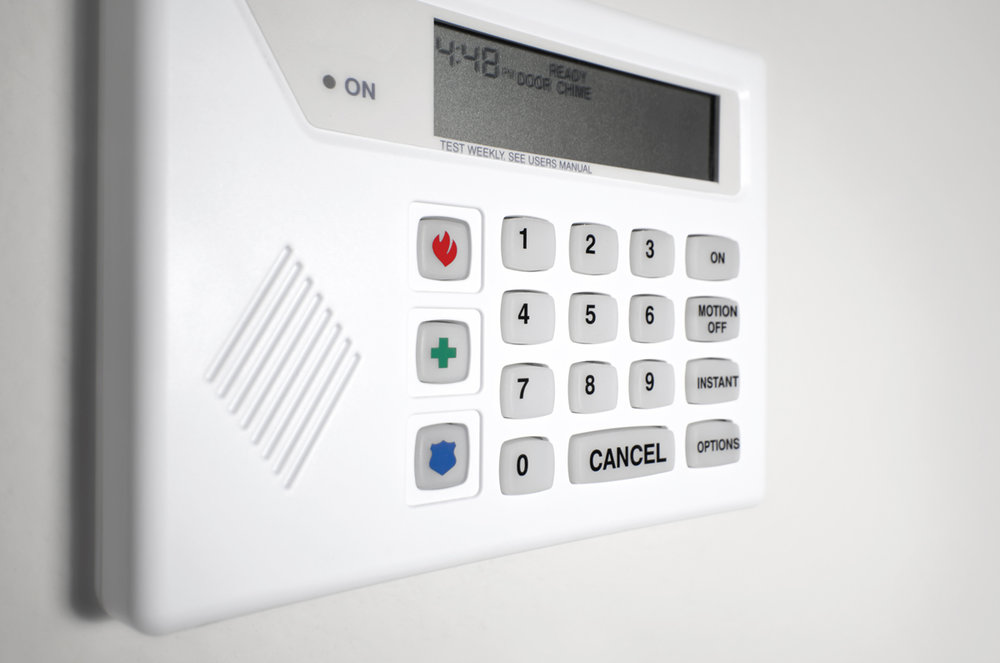
If you’ve moved into a house that already has a wired home security system, you may be wondering if it can meet your security and home automation needs.
Wired home security systems were the first security systems to be installed into homes, whereas wireless systems are a relatively recent invention.
While some of the older home security systems may need an upgrade to make them compatible with your home automation components or to improve on its security monitoring capabilities, the reality is that purchasing or renting a home with a pre-existing security system can help you in a number of ways.
The Benefits of a Wired Home Security System
No hardware costs and installation fees
One of the major benefits of stepping into a home with an existing home security system installed is that you do not need to buy the system and then pay someone to install it.
When it comes to wired home security systems, the installation fees can be high due to the amount of labor and time needed to perform the installation.
The process involves drilling into walls, laying wires in the walls and ceilings, and then once all that is done, filling in all of the unsightly holes that were created in throughout this process.
High reliability
Because wired home security systems are connected directly via a network of cables, their ability to communicate with each other and the control panel is hardly ever interrupted.
This makes wired systems effective for larger residential or commercial buildings where signals need to travel longer distances to reach the alarm panel.
Tips on Using Your Existing Wired Home Security System to Your Advantage
To determine whether the wired security system installed in your home is going to be compatible with your home automation, alarm monitoring, and security needs, start by getting a representative from the company who did the installation to make an assessment of the system.
To find out who did the installation, check the contact label on the control panel or alternatively contact the manufacturer of the system components.
Once the representative has assessed your system and given you their recommendations about the system, you will be able to make an educated decision about which aspects of it needs upgrading or will serve your needs.
Adding new components to your wired home security system
Many wired and wireless home security systems have parts that are cross-compatible and work together via a device called a wired-to-wireless converter.
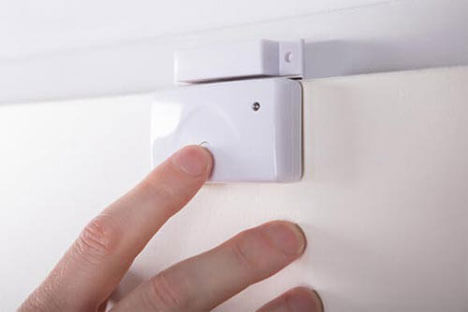
You can take your existing wired home security system and add new components such as cameras, motion detectors, as well as door and window sensors to the areas in your home that are not protected, or areas where security can be improved.
As long as your wired system is not too old, then you should also be able to integrate keyless deadbolts, video doorbells, light timers etc. into the system, even if you have to make some minor hardware upgrades to achieve it.
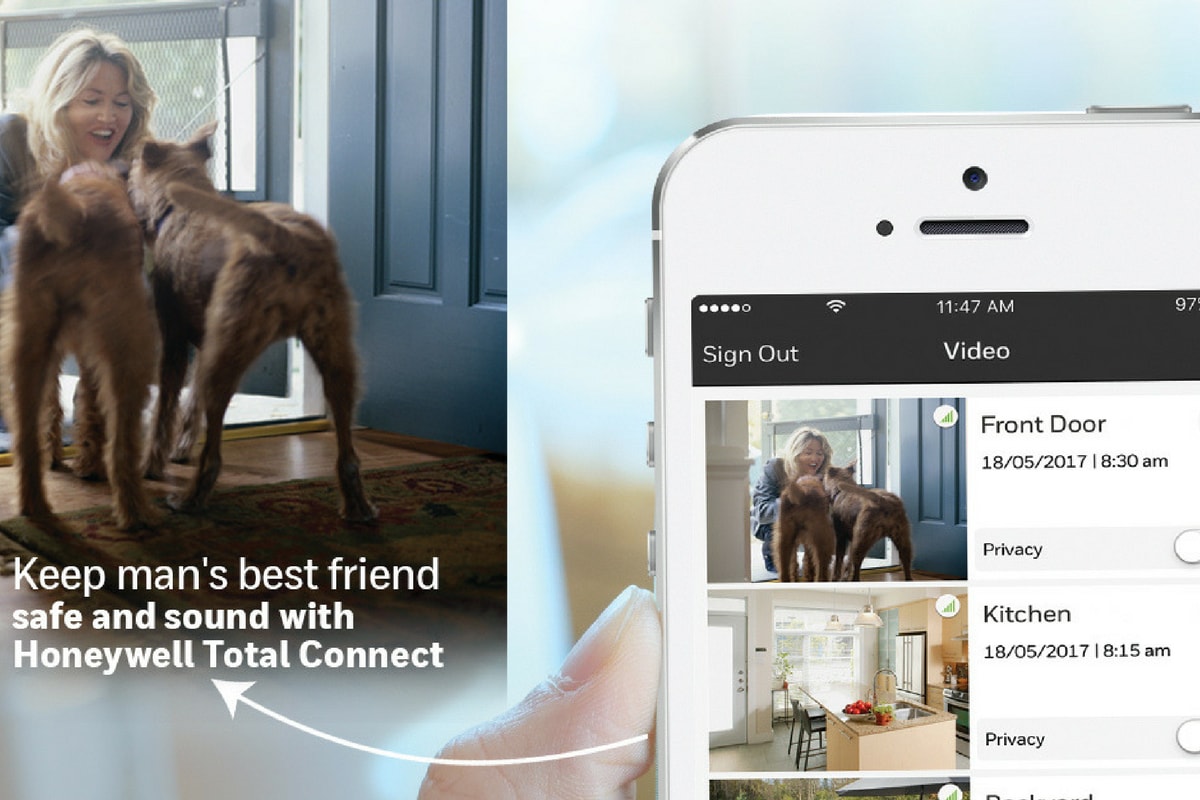
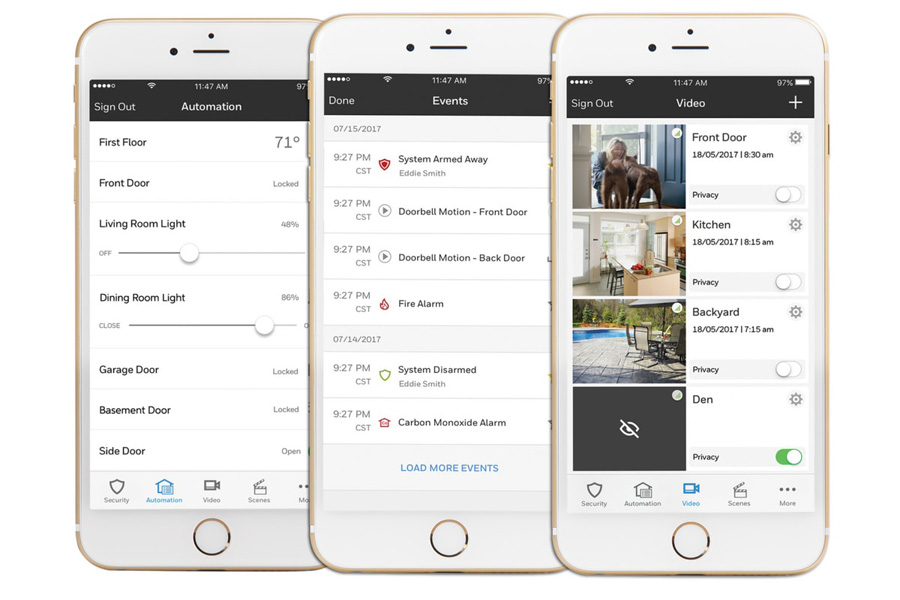
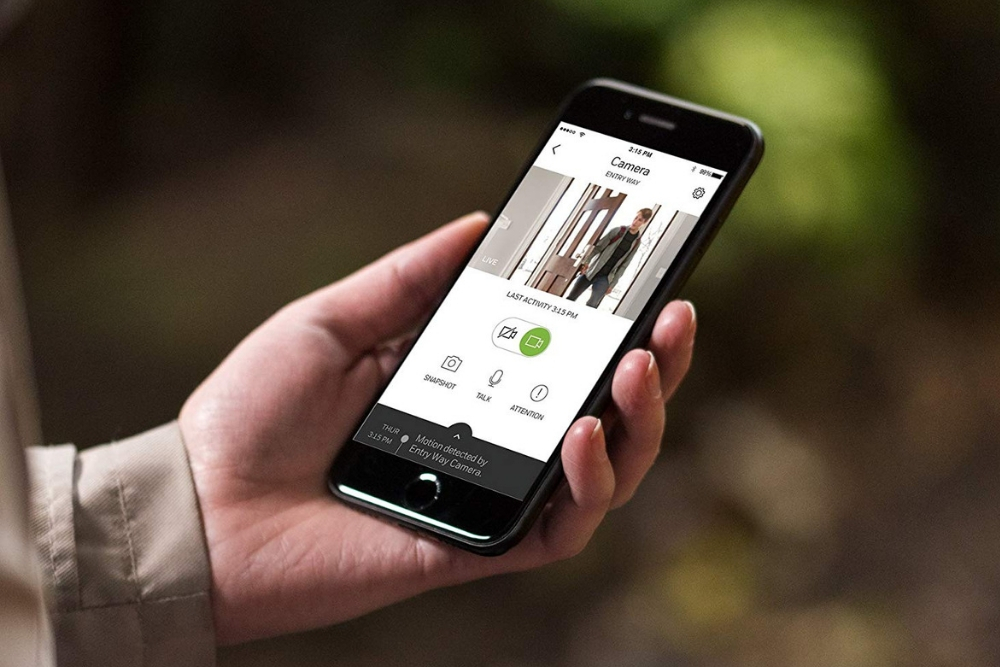
With the correct control panel installed, you can download an app onto your smartphone that connects with the control panel. Once you’ve done this, you can control your entire home security and home automation from a central point.
Wired vs. Wireless Home Security – Typical Concerns
The convenience of being to control everything from a single point and the ability to monitor your system from anywhere are why people choose a wireless security system.
Are the wires themselves a weakness of wired security system?
A common misconception about wired home security systems is that cutting through the system’s wiring will disable the alarm and prevent it from triggering, allowing someone to break into your house undetected.
Cutting wires will not disable your alarm. However, cutting communication wires such as your telephone line that connects to an alarm monitoring service will prevent your control panel from contacting the monitoring service. However, this also applies to wireless systems that use a landline to connect to the monitoring service.
Connecting your control panel to a monitoring service using cellular technology is a good way to protect your system from potentially being disabled from damage to your landline. In fact, it is becoming more and more common for people to use a cellular connection for their home security system as more and more people abandon their use of landlines.
What happens when the power goes out?
While wired systems rely on electricity for their power, backup batteries offer some protection in the event of a power outage. While the backup battery will not last indefinitely, it will provide some protection until the power is restored.
Wireless systems solely reliant on battery power are also prone to failure if the batteries run out. Because of this, batteries need to be checked and replaced periodically.
If you’ve moved into a home that has an existing wired system in place, it may be worth having it assessed to see if it can provide you with some protection.
In many situations, all it takes is updating certain elements of an existing security system to keep your home and family safe without having to invest in a completely new system.
In this day and age, technology provides powerful protection for an affordable price. If you are serious about keeping your home safe, a fence, locks, and cameras aren’t going to cut it. To truly protect your property, invest in a security system.
Security systems perform a whole host of critical functions, including:
Protecting against theft
Protecting against property damage or vandalism
Monitoring the traffic in and around your home
Guarding against intruders
Calling for help in medical emergencies
Deterring criminals from breaking in
Keeping track of pets and young children
Two basic types of home security systems are on the market today: wireless and wired security systems.
Wired security systems use existing electric and telephone lines to connect each piece of the security system, making moving equipment and adding on additional elements a complex process.
Wireless security systems are the next generation of security equipment: They offer comprehensive protection, lower installation costs, and easy upgrades.
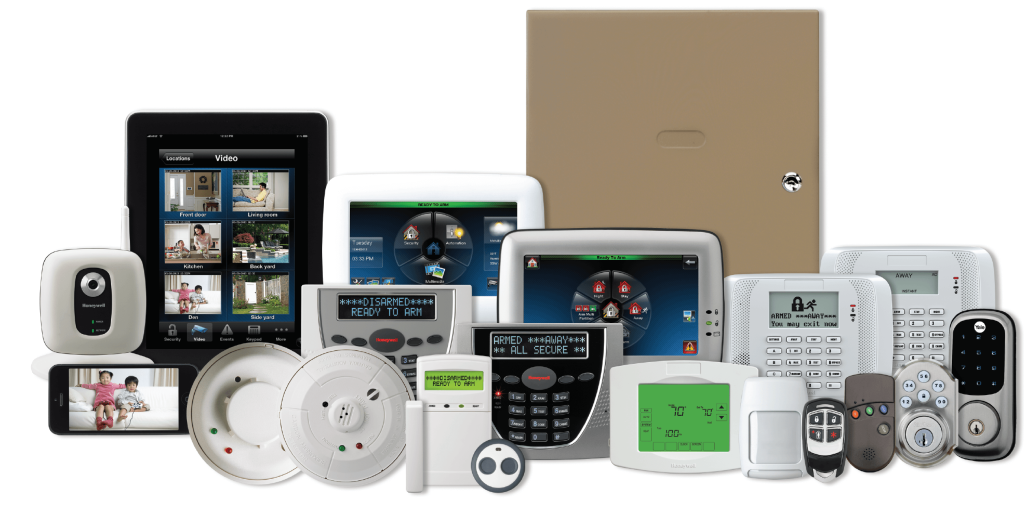
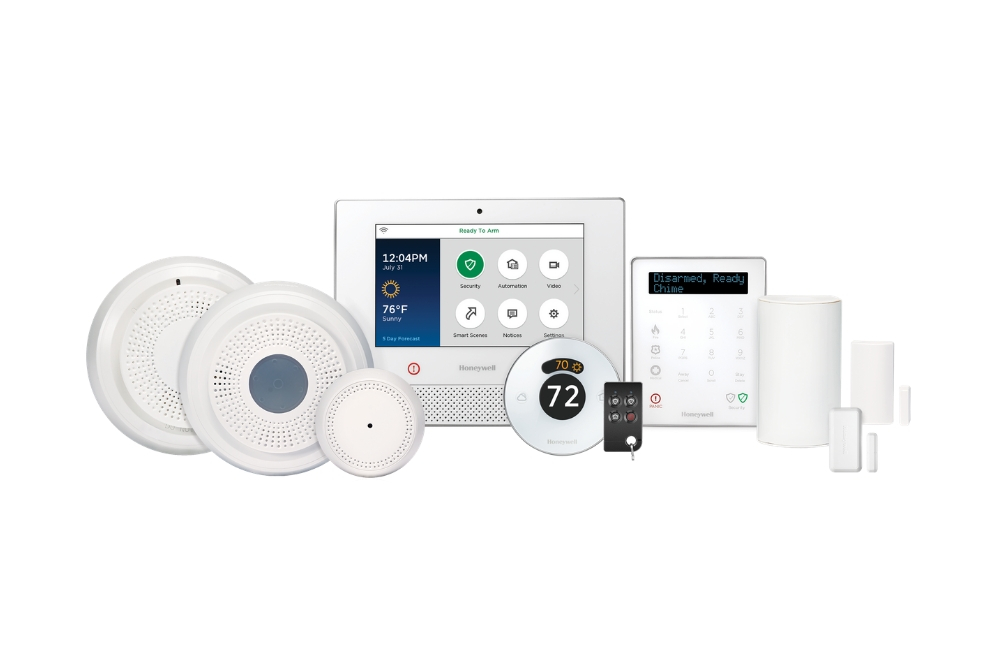
Essentially, a wireless security system is comprised of alarms, sensors, cameras, and various detectors all connected to a main control panel via radio signals.
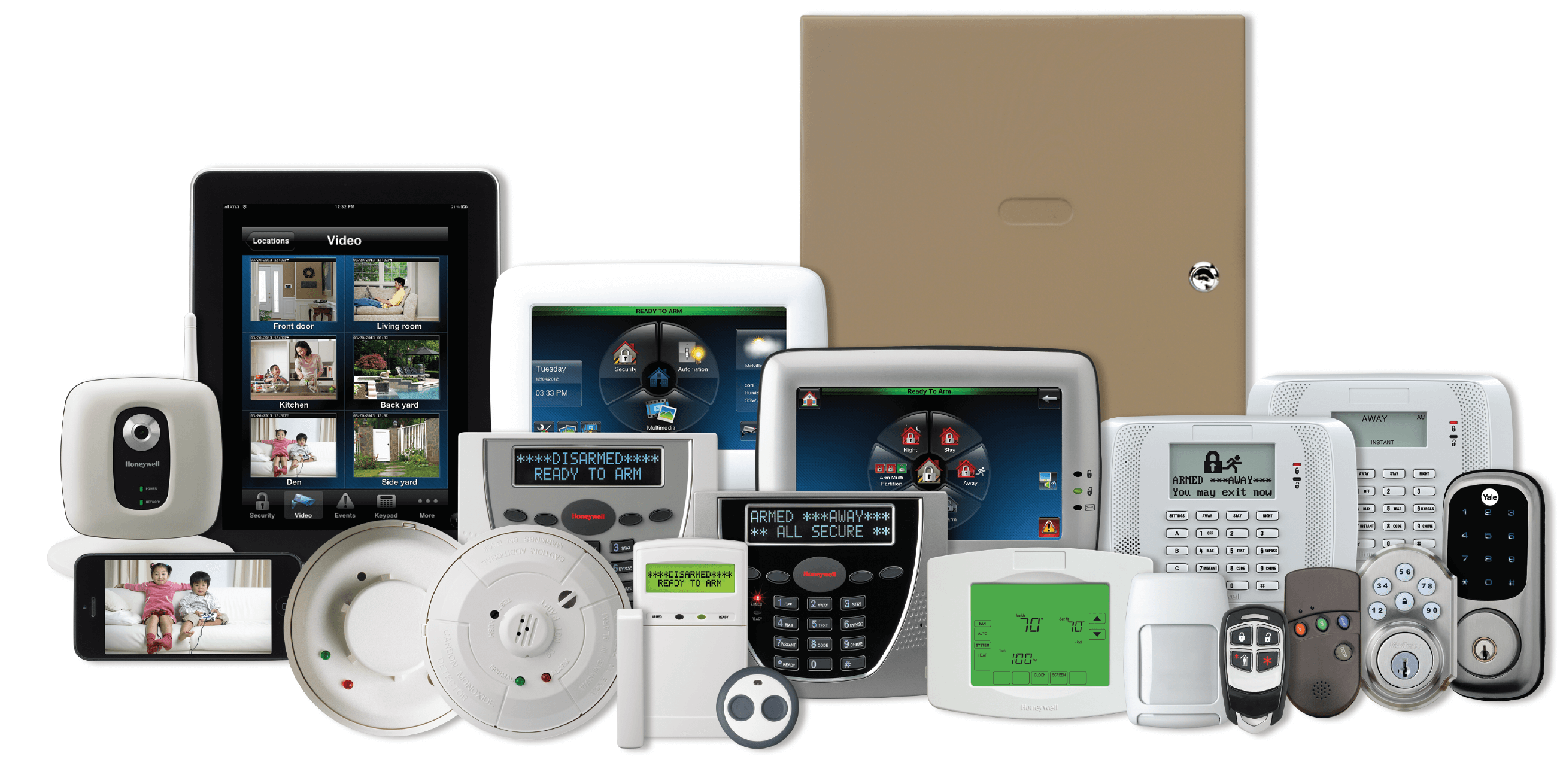
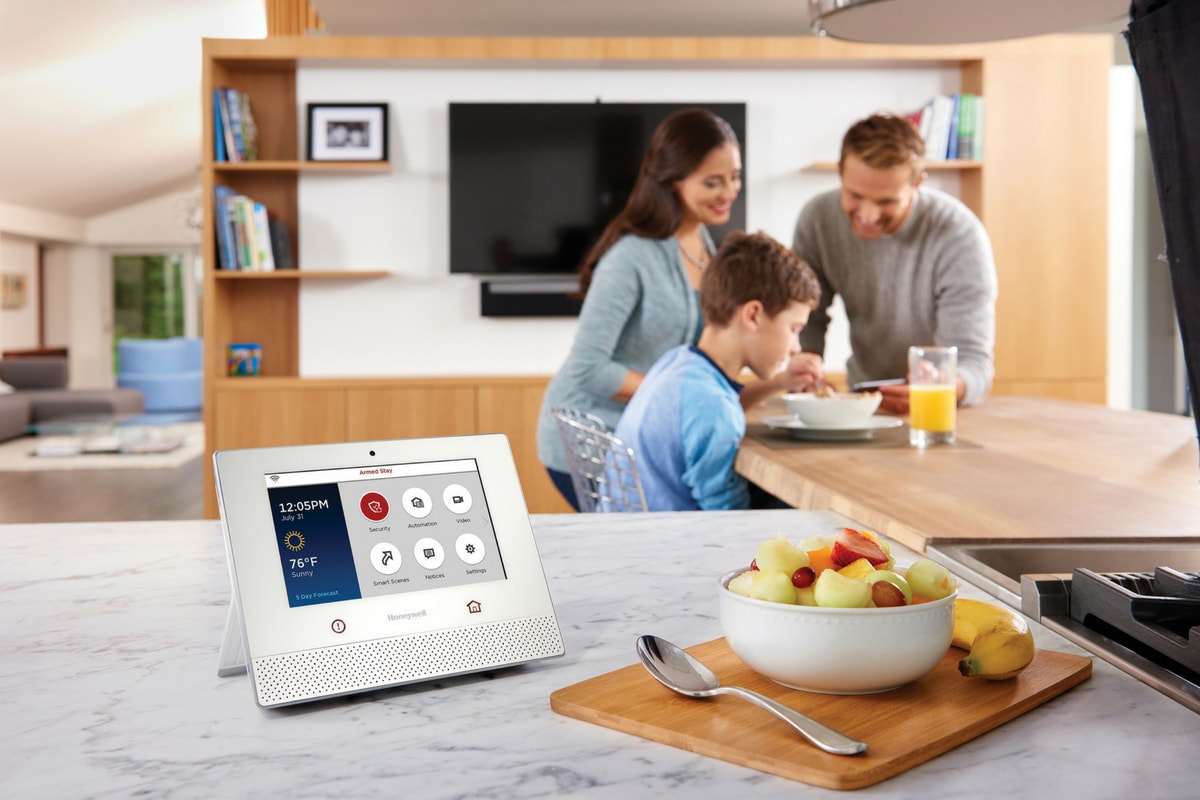
The Honeywell Lyric System, a professional-grade wireless home security solution.
With the variety of security systems on the market, it can be a bit complicated to understand the differences between types of sensors and equipment, and it’s tough knowing whether to purchase a wireless or wired home security system.
To add to the confusion, many people have preconceived notions of which security methods are best based on anecdotal evidence or outdated information.
That’s why our focus is centered around the latest research and decades of security expertise.
In this guide on the difference between wired and wireless security systems, you’ll learn:
Essential features for your wireless security system
How Do Wireless Security Systems Work?
Wireless systems, including sensors, cameras, and alarms, work using radio frequency technology instead of wires.
There are countless models of wireless security systems, all of which work similarly with minor variations. When a wireless device picks up anomalous activity, it tells the alarm that something isn’t right, triggers the 85 dB siren, and the alarm monitoring service calls the police on your behalf.
Pros of Wireless Home Security Systems
While people often assume wireless security is less safe than to wired systems, industry veterans know that this is far from the truth.
Wireless home security systems offer several advantages over hardwired security systems.
Quick installation
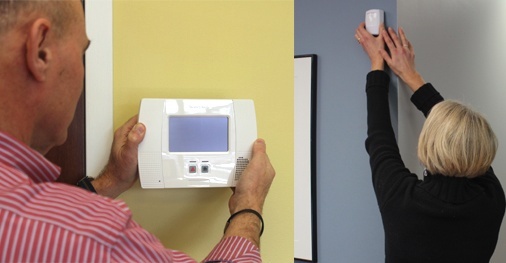
Wireless systems can be installed within minutes. You don’t even have to be tech-savvy to do it. Because you don’t need to drill holes or tackle tricky wiring, self-installation is common and eliminates installation fees, saving you time and money.
Because everything is simply stuck onto the wall and not hardwired, removing cameras, detectors, and other components of a wireless security system and putting them up in a new location takes minutes, not days. If you rent and move frequently, wireless systems are the way to go.
Remote smartphone access
Wireless systems can be monitored on the go with a smartphone, tablet, or computer. Your key fob offers another way to arm and disarm the system if you’d rather not use a smartphone app.
Battery Backup
Although wireless systems work with electricity, most models can switch to a backup battery if the power goes out. If there’s a power outage in your neighborhood, wired systems will lose power along with the rest of your house unless you have a backup generator.
If you have a wireless security system with a backup battery, you stay protected during a power loss event.
Cons of Wireless Home Security Systems
Cheap wireless systems can be hacked: Low-quality, outdated wireless systems do carry a risk that hackers can jam detector signals. You might remember the news surrounding SimpliSafe back in 2015 after a SimpliSafe customer figured out that their security system was vulnerable and publicized the fact via YouTube. However, you can avoid hacking if your system has strong data encryption.
Some wireless systems are vulnerable to structural or electromagnetic interference. Radio frequencies go around solid objects; they cannot go through them. So placing sensors in the correct locations is key if you want them to work correctly. Your alarm company should inform you exactly where each part should be installed so there is no confusion.
Another consideration with wireless home security systems is the limited range of sensors. Most radio frequencies are weak outside a range of 500 feet. This means that you have to structure your wireless system with this in mind, especially if your property is larger than 4,500 square feet.
For properties larger than 4,500 square feet, wireless sensors start becoming less reliable, so we highly recommend using a wired security system instead.
Types of Wireless Security Systems
Wireless security systems come in many shapes and forms. The main difference between them is the equipment. The simplest wireless home security systems have Wi-Fi alarm monitoring, sensors, and a control panel with a siren.
Devices that monitor potential household dangers, such as fires and carbon monoxide leaks, can be incorporated into a wireless alarm system.
Advanced wireless systems, on the other hand, offer users a wide range of possibilities. Features like remote smartphone access, text and email notifications, and web access give you more control to monitor and adjust the system from anywhere. This is why advanced systems that leverage the latest technology have become so popular.
Top-tier systems offer additional valuable security features such as doorbell cameras, smart lighting, and keyless deadbolts. At this level, you can employ some of the most powerful hardware available to the consumer market to keep your home secure and simplify your life.
Another differentiating factor of wireless systems is the way the system communicates with third parties in an emergency. Wireless systems fall into two key categories: monitored and self-monitored systems.
Monitored systems
Monitored systems are overseen by an alarm monitoring company and enable security personnel to immediately contact the authorities in case of an emergency.
Monitored systems give you added peace of mind because trained emergency professionals are watching over your home around the clock.
Self-monitored systems
Self-monitored security systems are generally cheaper and have lower monthly costs, if any. The only drawback is that the job of calling local authorities falls to you in an emergency.
Self-monitored systems make use of loud alarms and bright lights to warn you of an intruder or breach. You can also receive alerts on your smartphone if your device is connected to your security system.
How Much Do Wireless Security Systems Cost?
Three factors will determine the cost of a wireless home security system:
Installation
Equipment
Monthly monitoring
An average home security system can cost between $300 to $1,500, depending on the capabilities and features of the system. Monthly fees associated with 24/7 alarm monitoring wireless systems range from $0 to $75.
If you want to save money and have basic home improvement skills, we encourage you to try a self-installation process for your wireless security system.
If that sounds overwhelming, get a professional alarm technician to install your system. They will also make sure that you know how to operate it properly and that everything functions as it should.
Professional installation ranges from $350 to $1,200 depending on how comprehensive you’d like your system to be. Many companies offer package deals that include installation with a primary wireless system if you also sign up for their monitoring services.
Features to Look for When Purchasing a Wireless Security System
The main reason you want a wireless security system is to make sure that your home is fully secured at all times. To ensure this, there are a few key questions you should ask when deciding which wireless security system is right for you:
What happens in a power outage?
The primary power source for most wireless security systems is electricity from the wiring within your home. However, you should make sure that your wireless home security system has a fail-safe in the event of unforeseen circumstances.
A good wireless system should have an alternative source of power, such as solar energy or batteries, in the event of a power outage, especially in an area like New England where snowstorms and falling trees are a common occurrence.
What is the range of its detectors?
Wireless systems use radio frequencies that are only effective up to a certain radius. If you have a large home, you will need a system that has a long reception range and can handle a more substantial amount of information and signals. Remember: A home larger than 4,500 square feet is generally better off using a wired system.
Some wireless home systems are only for detecting burglars and trigger a siren to scare off the intruders. Others notify security companies of a break-in or emergency.
Does it integrate with your smart home technology?
Today, most homes make use of smart devices that can be controlled via smartphone. If you already own smart home technology, it is essential to know if your wireless security system can be incorporated into it so that you can control every device from as few apps as possible.
Integrating your wireless security system with your smart home takes your system beyond basic security and makes your home smarter and more efficient.
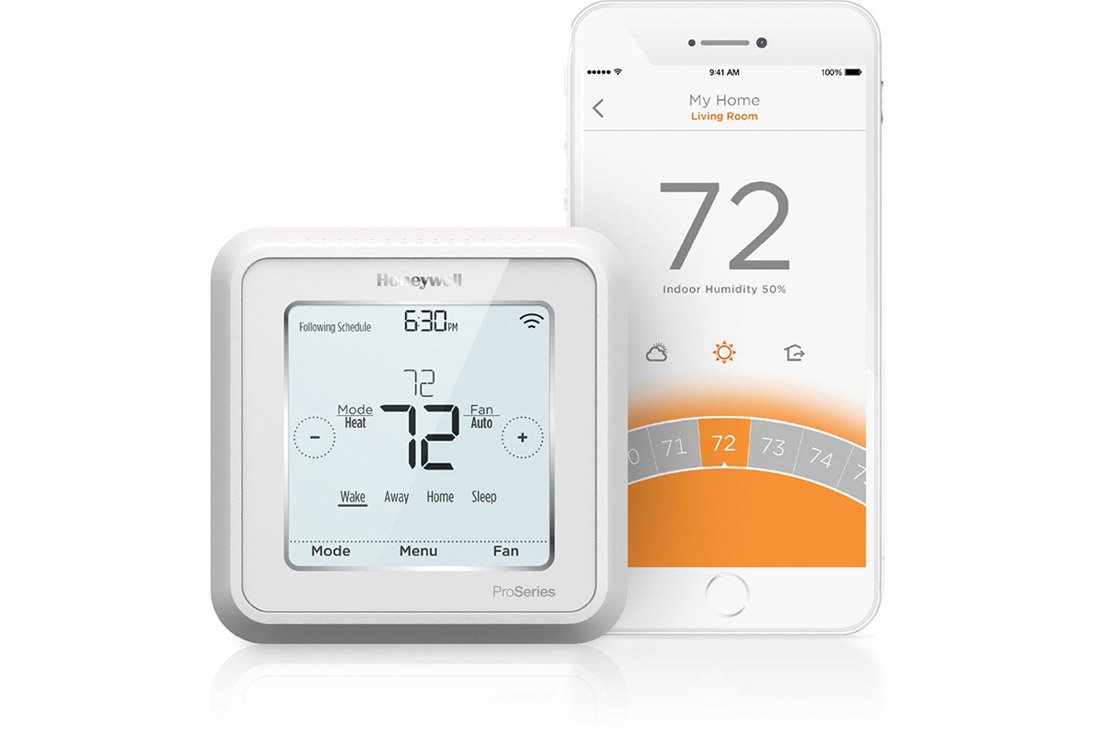
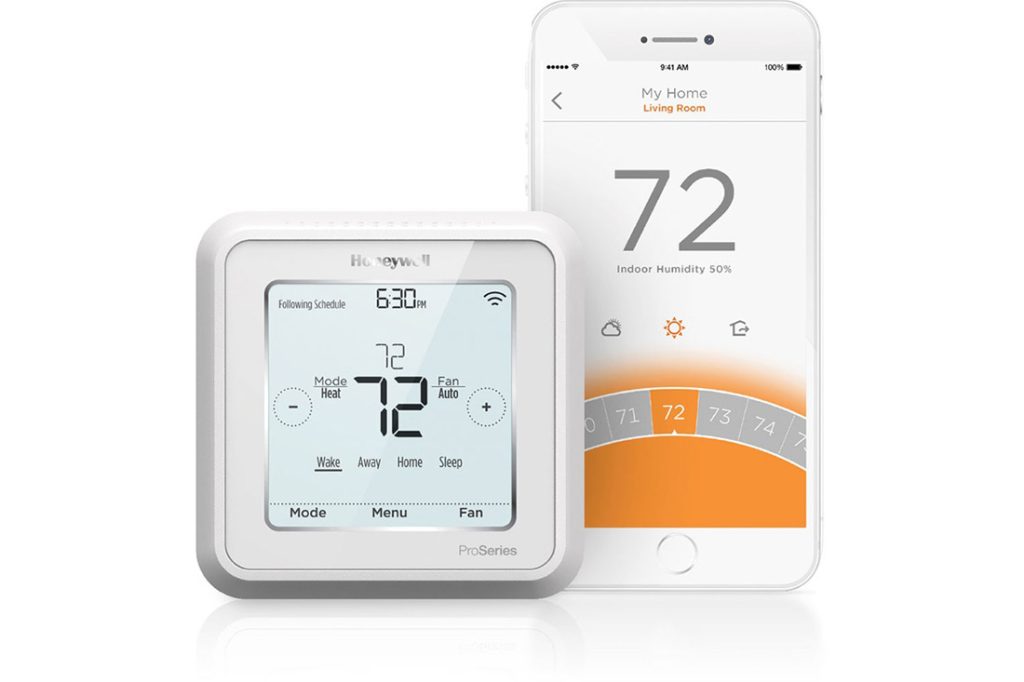
Smart home features for wireless security include HD video viewing via wireless security cameras, energy use tracking with programmable thermostats, and other kinds of residential access control like smart locks.
Having all of this functionality at your fingertips makes you realize how much easier life can be when there are fewer things to worry about.
Ask these questions when determining the right wireless security system for you. To find out if our local, family-owned company might be a right fit to install your home security system, contact us today at 617-221-8524 for a free quote.
Do you have a residential or commercial security system? If so, you need to keep reading.
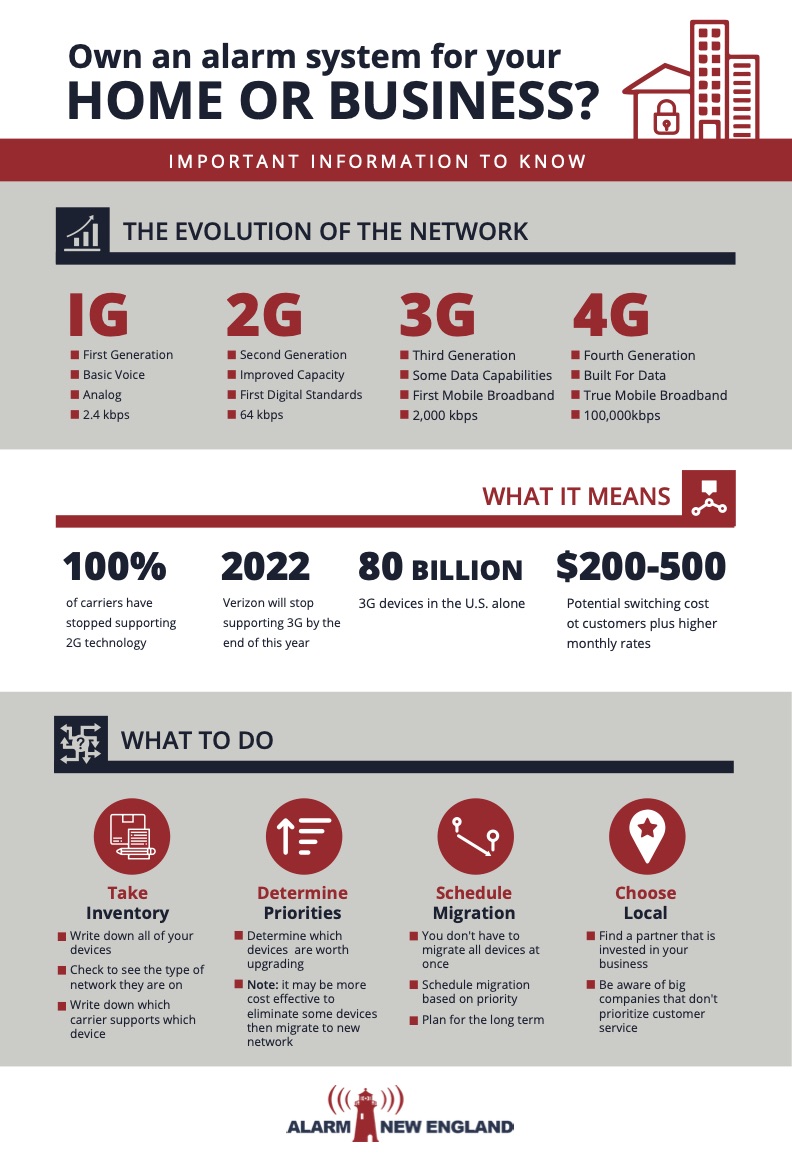
What Is the 3G Sunset?
In the event you haven’t heard about the upcoming alarm 3G sunset, let’s get you up to speed about the importance of migrating to LTE or even 5G networks for your security systems.
The 3G sunset refers to the impending point in time where manufacturers and carriers will stop manufacturing and supporting devices that use 3G networks.
For those that use these networks, there is not much time left to make the switch because the 3G sunset is not too far behind the 2G sunset.
Why Is 3G Being Phased Out?
So, why is this happening? The simple answer is that it’s time for something new. With the arrival of 5G, the natural progression is for carriers and manufacturers to start phasing out their older networks to make room for the new networks. Most ALL have already stopped supporting 2G networks, and 3G cellular upgrade will follow shortly.
What is the difference of LTE vs 3G?
We are now entering a period of transition from 3G/CDMA networks to long-term evolution (LTE) networks. LTE can be up to ten times faster than 3G/CDMA. It is important to remember that the 3G network was built to support voice and limited data transfers. The modern consumer simply requires much more from the network, rendering the question of whether to move to LTE vs 3G moot.
How Challenging is this Impending Move?
The sun will go down on 3G/CDMA soon. But the 3G sunset dates are still in flux. Different carriers have different dates. For instance, AT&T has stated February 2022 will be the end of their 3G network. Verizon says they will drop 3G at the end of 2022, with exceptions for some machine-to-machine (M2M) devices including IoT (Internet of Things) security products.
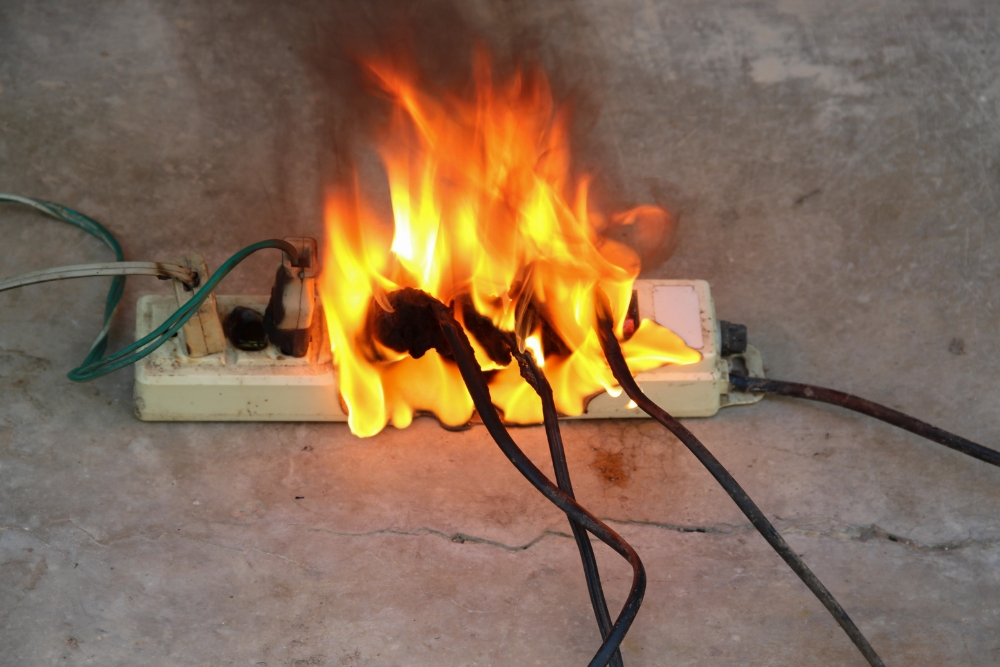
To avoid catastrophe, any alarm panel that communicates exclusively over these legacy networks will need a new modem cellular communicator in the next year or so.
Many consumers likely do not know how their security system communicates with a central monitoring station, interactive service, or smart home as a service. A terrible scenario would be them waking up in the middle of the night to the blare of a fire alarm, but no response.
When Should You Migrate?
Your devices that are supported by 3G networks could lose important data and functionality if you don’t make the switch to LTE before your carriers drop them.
If you have any IoT devices operating on a carrier’s network, then you’ll lose that function for them as well. You will also need to make sure you have taken everything into account when migrating to a new network because more than likely most of your devices are connected.
If you haven’t already, you should begin converting all of your 3G/CDMA network devices to LTE network devices right away. While some carriers won’t drop 3G/CDMA support until after 2022, there are others such as Verizon that will stop after December 31, 2022. Depending on your carrier, you could lose that 3G support in a couple of months. If you haven’t started the transition, you should start now as the dates could change.
If you do not know how to begin migrating your devices, here are a few things you can do to start the process:
Take Inventory: Consider all of your devices and take note of the network type they are operating on. Also, ascertain which carrier supports each device. These two factors will determine which devices need to be upgraded or replaced.
Determine Priorities: Determine how you use your devices, whether for business or for personal use. Then decide what types of devices you will need moving forward. This will help you decide whether or not to update their networks. You may decide that it may be more cost-effective to eliminate some devices rather than migrate them to a new network.
Schedule Migration: You don’t have to migrate your devices all at once. Set up a schedule where you can migrate your devices based on priority. Considering the long-term, it may be a good investment to migrate some of your devices up to the new 5G LTEnetworks now. If you plan on keeping certain devices for a long time, upgrading them to the latest network sooner rather than later can save you significant time and money in the future.
Systemic Challenges to Migration
The big alarm providers are – well – alarmed by the prospect of migrating all of their customers. By some estimates, half of US alarm system subscribers are connected to the 3G network. Upgrading all of those subscribers would require over 100,000 service calls every month for the next three years or more.
The big alarm companies are going to struggle to change over all of their customers.
These large companies are going to likely charge up front $200-$500 and increase your monthly rate. Make sure your company is pricing fairly.
The crush of customer complaints could also overwhelm their call centers. It takes a long time and many steps to get from a phone call to the installer knocking on the customers’ door let alone trying to set up an installation for something they do not want.
So now what?
The solution? Work with a local alarm company that focuses on customer service and responsiveness.
In order to maintain an active cellular communication path, it is crucial that you upgrade to an LTE communicator. LTE stands for “Long-Term Evolution”, and AT&T is expected to support their LTE network for many years to come. Most alarm systems that we support currently have an LTE communicator available, while others should be releasing one in the coming months. We recommend checking through our selection of cellular communicators to see if an LTE communicator is available for your system.
If you are affected by the alarm 3G sunset, now is the time to take action. You still have an opportunity to keep your system monitored or upgrade to a new system if necessary. The best thing you can do is contact Alarm New England immediately. We can verify which communicator your system is using if you aren’t sure. If you do need an upgrade, we can make a recommendation.
If you need help in obtaining devices with the latest networks, we can help. We want you to stay monitored and protected. That is our absolute top priority as a company. If you are affected by the alarm 3G Sunset, we urge you to reach out to us. Likewise, we also urge you to reach out to us if you are not sure. We can check your equipment and confirm whether or not an upgrade is needed.
Our team at Alarm New England can build a completely new alarm system or upgrade the equipment you already own. Reach out to us today. Let us get you set up!
According to the Environmental Protection Agency (EPA), radon gas is the second leading cause of lung cancer in the United States behind smoking and is responsible for around 21,000 lung cancer-related deaths each year. The EPA estimates that one out of 15 homes in the U.S. has unhealthy levels of radon.
So what is radon? Radon is a radioactive gas that can be harmful to humans and animals when they’re exposed to high levels of it. Radon gas exposure is caused by a breakdown of uranium within the earth; the radon gas rises and enters through cracks and other holes in a building’s foundation.
What makes this gas so deadly is that it is undetectable by humans—it’s odorless and invisible. It doesn’t cause immediate health problems, but extended exposure to it does. That’s why you need specialized equipment to detect radon in your home or business.
How to Detect Radon Gas
There are a few different methods that you can use to detect radon within your home or business. The two main radon detection methods are active and passive tests.
The most common passive test uses a radon test kit that is sent to experts for analysis. Using radon test kits, property owners can measure radon levels for two to 90 days for short-term passive tests, or they can measure 90 days or more for long-term passive tests.
The radon kit is then sent to a laboratory, and the lab sends the property owner an analysis of the sample. These tests require no special training to conduct, so property owners can perform these tests themselves.
The other common radon detection method available for property owners is the active detection method. Active radon monitoring devices require a power source and can provide almost instantaneous results at any given time. These devices can provide both short-term and long-term results, but they’re usually more costly than passive radon detection kits.
Why You Need a Radon Detector
Exposure to radon for prolonged periods of time or in high concentrations can be deadly and lead to long-term health problems, such as lung cancer.
Using a radon gas detector or radon detection kit, you can identify radon gas levels within your home or business and prevent any unnecessary exposure to this harmful gas. If your building does test positive for radon, you can then act accordingly to prevent further exposure.
One method for eliminating radon gas exposure is sealing off any cracks or gaps in the building’s foundation. Sealing and venting areas of exposure can also help reduce radon levels. Preventing further exposure is straightforward once you know you have high levels of radon.
The 3 Best Radon Detectors on the Market
It’s important to know your building’s radon level so you can keep your family or employees healthy and safe from its dangerous long-term health effects. These active radon tests will help you do just that and provide you with both short-term and long-term results and monitoring. Here are the best radon detectors on the market today.
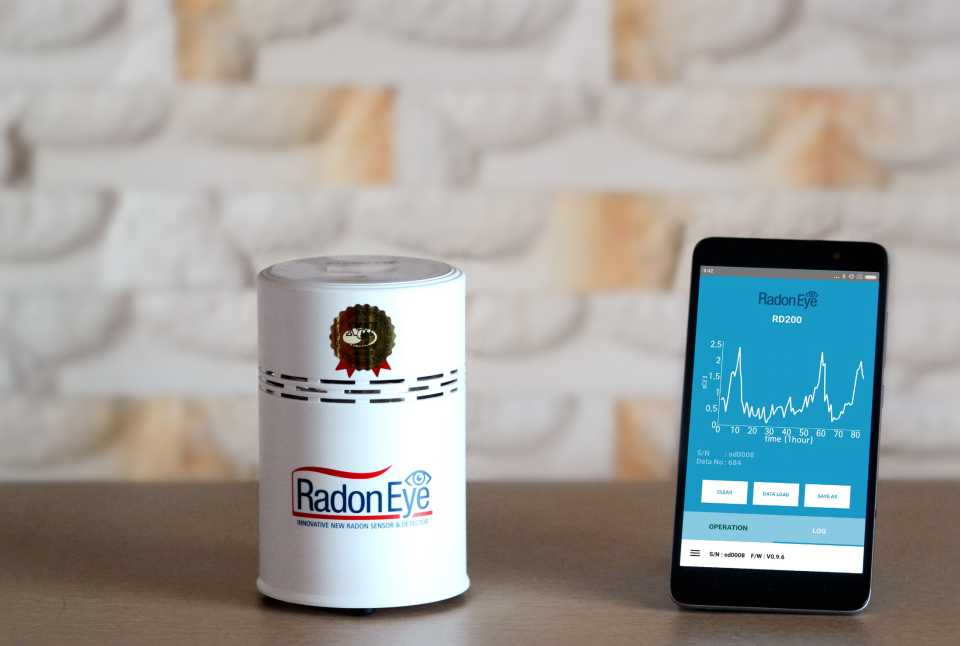
Radon Eye RD200
Using the latest in smart technology, the Radon Eye RD200 boasts 20 times the sensitivity compared to other radon detectors. That’s because its dual-structured pulsed ionization mechanism enables it to provide more accurate detection.
The Radon Eye RD200 provides its first reliable results within the first hour of operation, meaning you no longer need to wait extended periods of time for accurate results.
A useful feature of the Radon Eye RD200 is its ability to log and share data to your smartphone or PC, allowing you to conveniently observe and monitor radon levels within your home or business. This data can be easily exported to Excel so you can view and manipulate the data easily in a spreadsheet.
The Radon Eye RD200 displays data in a graph format to ensure you can easily understand the results and readings provided. Additionally, the device supports Bluetooth connectivity via an app so you can easily access the device using a smartphone or tablet.
What we like:
Quickly provides accurate and reliable readings, allowing you to get immediate results
Data can be easily accessed through Bluetooth connectivity and an accompanying app
Much more sensitive than competing devices
Data can be exported directly to your PC or smart device in a graph or spreadsheet format
What we don’t like:
At over $200, the device is a little pricey
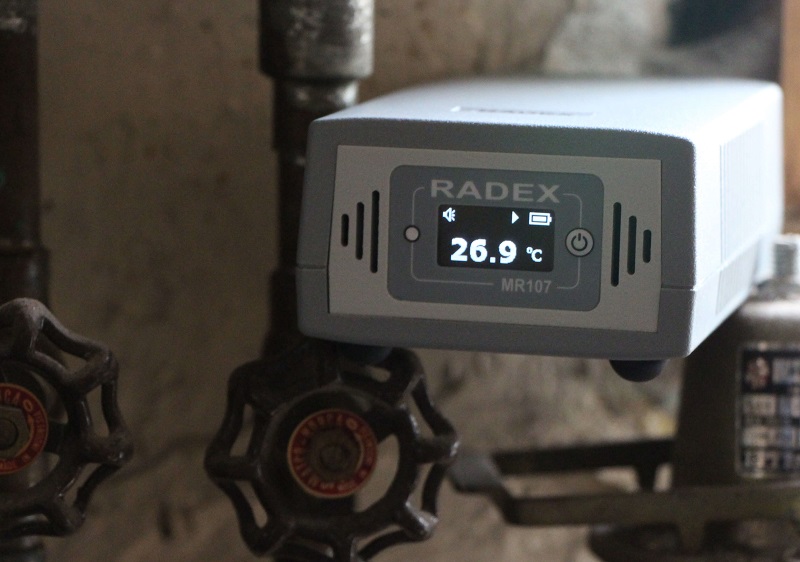
Radex MR107
The Radex MR107 is an active radon detection device that is highly sensitive and provides accurate and reliable results. This device is suitable for both home and workplace environments, and it is user-friendly.
In addition to its primary radon detection functionality, the Radex MR107 also provides additional features, such as relative humidity and temperature measurement, to provide you with more comprehensive results. This device comes with Windows software that you can download and use for free.
Using this software, you can easily transfer data gathered by the Radex MR107 to your PC and analyze and monitor the results within your home or business. Another useful feature is an adjustable alarm that is triggered when the device detects unsafe levels of radon.
The Radex MR107 also measures the surrounding radon levels relative to the surrounding temperature and humidity, ensuring more accurate and relative results. This provides you with a more complete picture and additional context so you can track dynamic changes in surrounding radon levels more reliably than with most other devices.
What we like:
The ability to transfer results to the free Windows software is useful and helpful
Additional features such as humidity and temperature readings provide more context when compared with relative radon levels
User-friendly design makes the device easy to use for both home and business owners
It retails for under $200
What we don’t like:
Lack of a built-in interface makes results more difficult to identify
Can only be charged via USB, and the battery lasts for up to six days
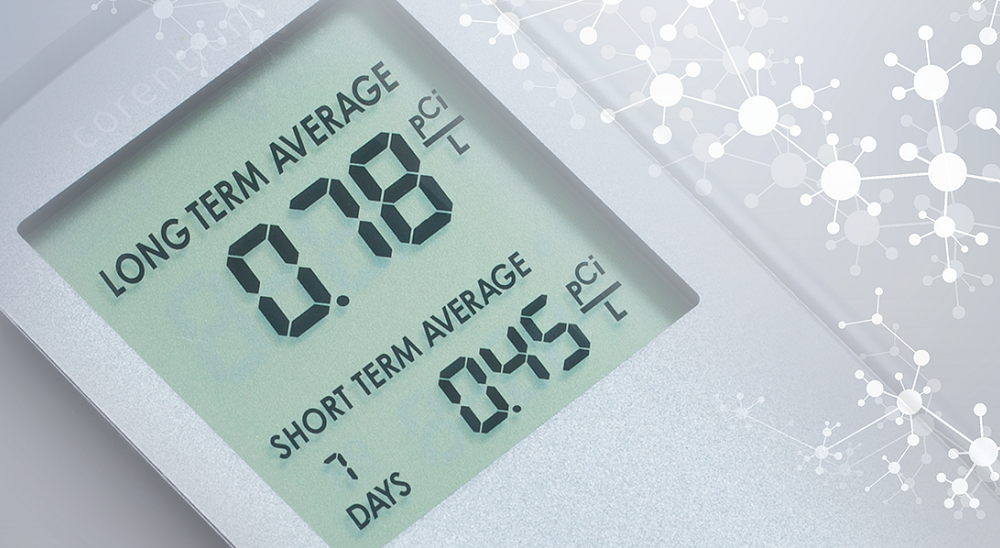
Corentium Home by Airthings
The Corentium Home is a portable lightweight radon detection device that provides accurate results within 24 hours. You can view results easily with its built-in LCD screen without the need of any external devices. This allows you to conveniently monitor radon levels in your surrounding environment.
This device is resistant to a variety of environmental and physical conditions, such as electromagnetic interference, dust, and weather. This helps ensure that its readings are accurate and reliable.
Boasting a two-year battery life, the Corentium Home can provide long-term results and monitor your surrounding radon levels with great precision. You can easily replace the three standard AAA batteries, allowing your device to last up to 10 years.
What we like:
Its portability allows you to conveniently monitor radon levels in various locations
High resistance to electromagnetic and environmental conditions ensures more reliable results
Built-in LCD screen allows you to view and monitor results immediately without the need for any external devices
Two-year battery life and replaceable AAA batteries allows for long-term use
Its price—under $150—means you get great value for good functionality
What we don’t like:
Unable to export and transfer data to a PC or other devices
Where to Place Your Radon Detector
Once you’ve selected the radon detector that will work best for you, make sure you follow instructions and place it properly in the building you’re testing.
Because radon gas rises up from the ground, place the radon detection device or test kit in a room that is closest to the ground for the most accurate and reliable results. For example, if you have a basement, you should place the detection unit there.
For the best and most accurate results, you should keep all windows and doors closed during the testing period prescribed by your device or test kit. In long-term tests, however, closed house tests conditions are not necessary.







 Your devices that are supported by 3G